video2text
Turn any mp4 or audio recording into a speaker-diarized transcript — entirely on your Mac. Nothing gets uploaded.
What is video2text?
video2text is a fully local, speaker-diarized transcription app for macOS (Apple Silicon). Drop in an mp4 or audio file — a video call recording, an in-person meeting captured on a single camera, a lecture, an interview — and it produces a transcript organized by speaker.
[00:12:34] Alex: Hi everyone, let's start today's meeting.
[00:12:41] Jordan: Sure, I'll share last week's issues first.
Both speech recognition and speaker diarization run on-device. No audio, no video, and no transcript ever leaves your machine — aside from a one-time model-weight download on first run.
Fully Local
Speech recognition (mlx-whisper) and speaker diarization (pyannote.audio) both run with Apple Silicon Metal acceleration. No cloud upload, ever.
Auto Voice Matching
Register your voice once (10–20 seconds) and it's matched automatically in every future transcript — real names instead of "Speaker 1".
Rematch & Relabel
Fix a wrong speaker match or add a profile later — without rerunning the full pipeline. Rematch or relabel in seconds.
Self-Contained App
video2text.app bundles its own Python runtime, ffmpeg, and ML dependencies. Copy it to another Apple Silicon Mac and it just works.
Three Export Formats
TXT for reading, SRT for video subtitles, JSON for raw per-speaker blocks with timestamps.
Native Desktop UI
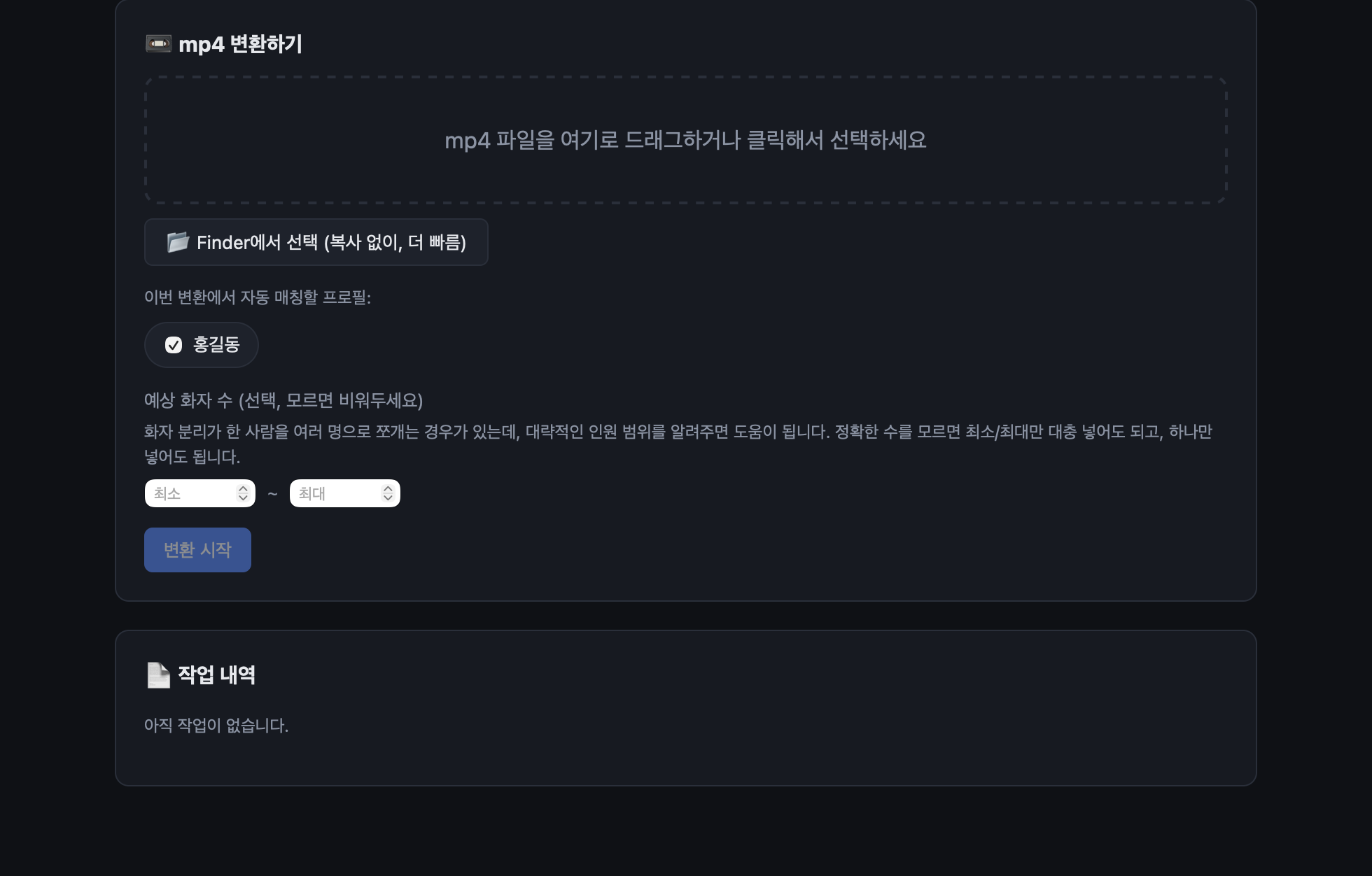
A native macOS window (pywebview) — drag and drop a file, watch progress in real time, no browser required.
How It Works
Local file                         On this Mac only
───────────                        ─────────────────
1. extract audio   →  ffmpeg
2. diarize         →  pyannote/speaker-diarization-3.1   (who spoke when)
3. transcribe      →  mlx-whisper large-v3-turbo          (what was said)
4. match speakers   →  SpeechBrain ECAPA-TDNN embeddings   (registered voice profiles)
5. render           →  TXT / SRT / JSON
Nothing crosses steps 1–5 over the network. The only network calls video2text ever makes are the one-time model downloads from HuggingFace / Apple (mlx-community) on first run.
Quick Start
No build required — download the packaged app and run it:
- Download
video2text-v1.0.1-macos-arm64.zipfrom the latest release and unzip it. - Double-click
video2text.app. (If macOS warns about an unidentified developer, right-click → Open once.) - Set up HuggingFace access for the speaker-diarization model (one-time, free) — see Getting Started.
Prefer to build from source instead?
git clone https://github.com/neurosamAI/video2text
cd video2text
./build.sh      # builds video2text.app locally
./run.sh        # or run it as a local web server at http://127.0.0.1:8765
Why Local?
| video2text | Otter.ai | Whisper API | Zoom AI Companion | |
|---|---|---|---|---|
| Where it runs | On-device | Cloud | Cloud | Cloud |
| File upload required | No | Yes | Yes | Yes |
| Speaker diarization | Built-in | Built-in | Build it yourself | Built-in |
| Auto voice matching | Yes | Yes (account-based) | No | No |
| Rematch without full rerun | Yes | No | No | No |
| Works offline | Yes | No | No | No |
| Cost | Free, open source | Subscription | Usage-based | Add-on subscription |
video2text’s position is clear: if the recording is sensitive — an internal meeting, a hiring interview, a customer call — it never has to leave the room.
Real-World Scenarios
“We record every team meeting and need notes afterward”
Drop the recording in, register the team’s voices once, and get a transcript labeled with real names — no cloud transcription bill, no recording uploaded to a third party.
“I need subtitles for a recorded talk”
Export straight to SRT and drop it into your video editor.
“A speaker got mismatched — but I don’t want to wait 30 minutes again”
Add the missing voice profile, then hit rematch. Diarization and transcription are already done — only speaker matching reruns.
Who Is This For?
- Teams that record meetings, interviews, or customer calls and don’t want that audio leaving the building
- Anyone who wants Whisper-quality transcription without a per-minute cloud bill
- Apple Silicon Mac owners who’d rather spend 15–40 minutes locally than wait on an upload
- Developers and researchers who want speaker diarization they can inspect, fork, and extend
Born from Real Use
video2text started as a weekend build to solve a recurring problem: recorded meetings that needed to become text, without uploading them anywhere. It’s the second open-source project from Murry Jeong (comchangs) and neurosam.AI, following the deployment tool Tow.